How to Respond to Bad Reviews on Google
Knowing how to respond to bad reviews on Google is a skill every business owner needs. A bad review feels personal. Your instinct is to fight back or ignore it. Both are wrong.
The review is already public. Your response is your chance to control the narrative. Here's how to do it right.
Step 1: Don't Respond Angry
Read the review. Close the tab. Come back in an hour. Responding while upset leads to defensive, sarcastic, or dismissive replies that make you look worse than the review itself.
The response isn't for the reviewer — it's for everyone who reads it after. Future customers are watching how you handle criticism.
Step 2: Acknowledge the Problem
Start by acknowledging what went wrong. Don't explain, don't justify, don't say "but." Just acknowledge.
- "A 45-minute wait is too long." ✅
- "We were busy that night." ❌
- "The room should have been clean." ✅
- "Our housekeeping team was short-staffed." ❌

Step 3: Be Specific
Reference what the customer actually complained about. "Sorry for the inconvenience" is worthless. "Sorry about the cold food and the wait for your check" shows you read the review.
Step 4: Take It Offline
End with an invitation to continue the conversation privately. Give a name, phone number, or email. This shows you're serious about fixing things — and it moves the messy details out of public view.
Example: Putting It All Together
⭐ Bad Review:
"Charged me for work I didn't approve. When I called to complain, they were rude. Never going back."
✅ Good Response:
"Being charged for unapproved work is not acceptable, and I'm sorry for the experience on the phone as well. I'd like to review the invoice and make this right. Please call me directly at [number] — ask for [name]."

Or Let Reviewly Write It for You
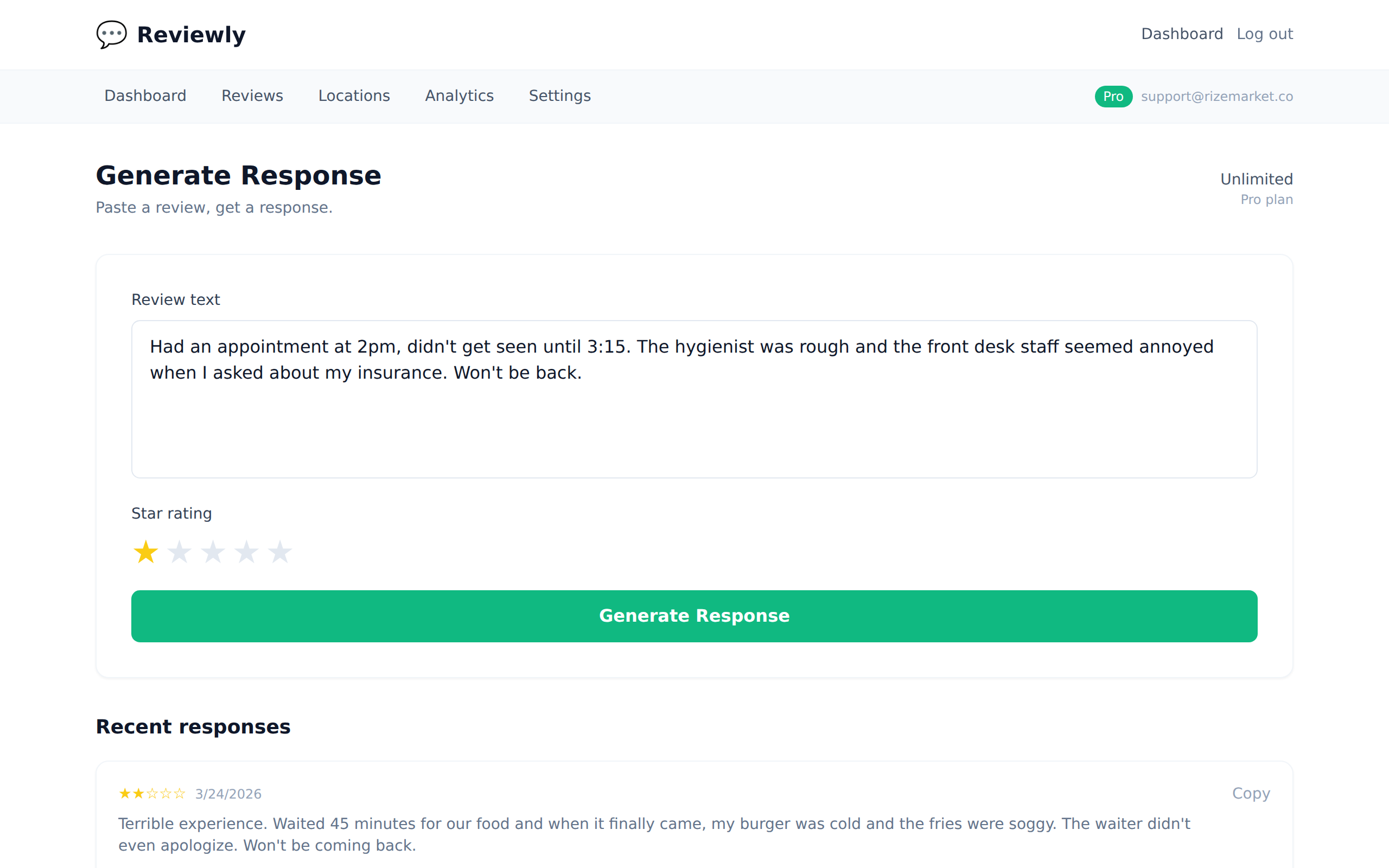
If writing responses to bad reviews feels stressful, Reviewly does it for you. Paste the review, select the star rating, and get a professional response in 10 seconds. It follows all the rules above automatically — empathy, specifics, offline invitation.
Try it with your worst Google review and see what it generates.
Generate a Response Free